Images make
vocabulary stick.

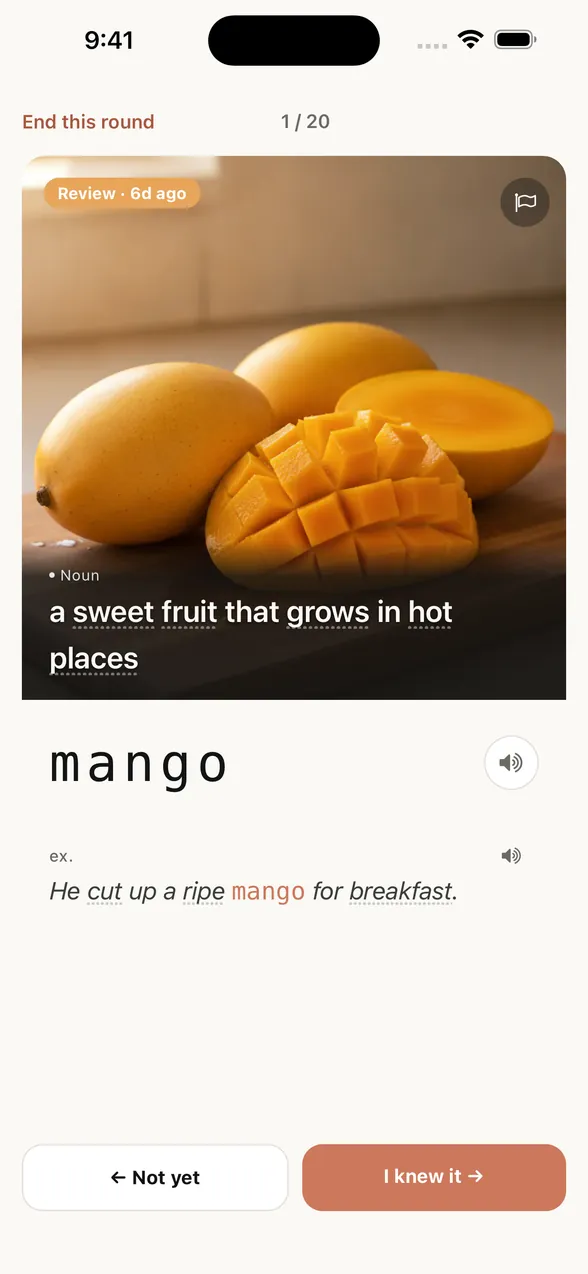
See the image. Recall the word.
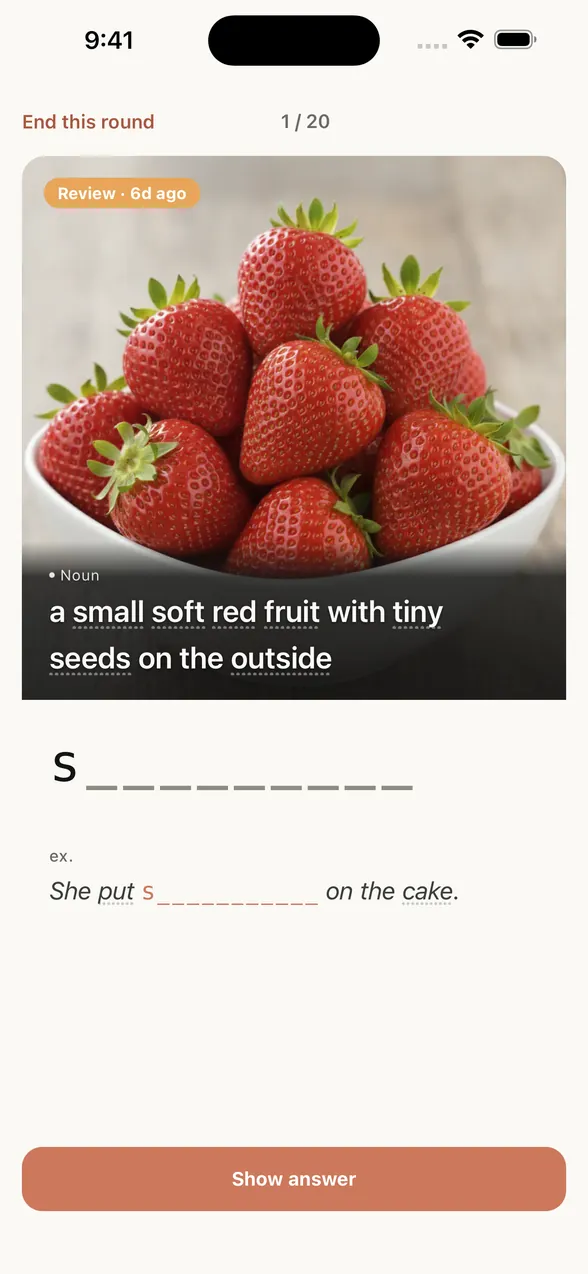
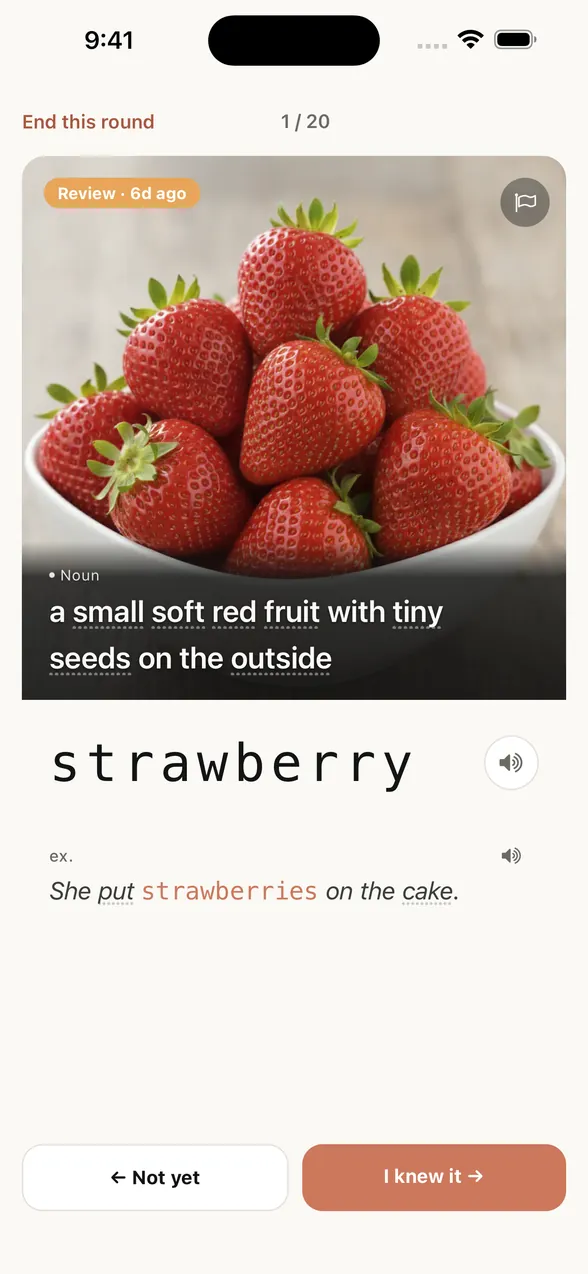
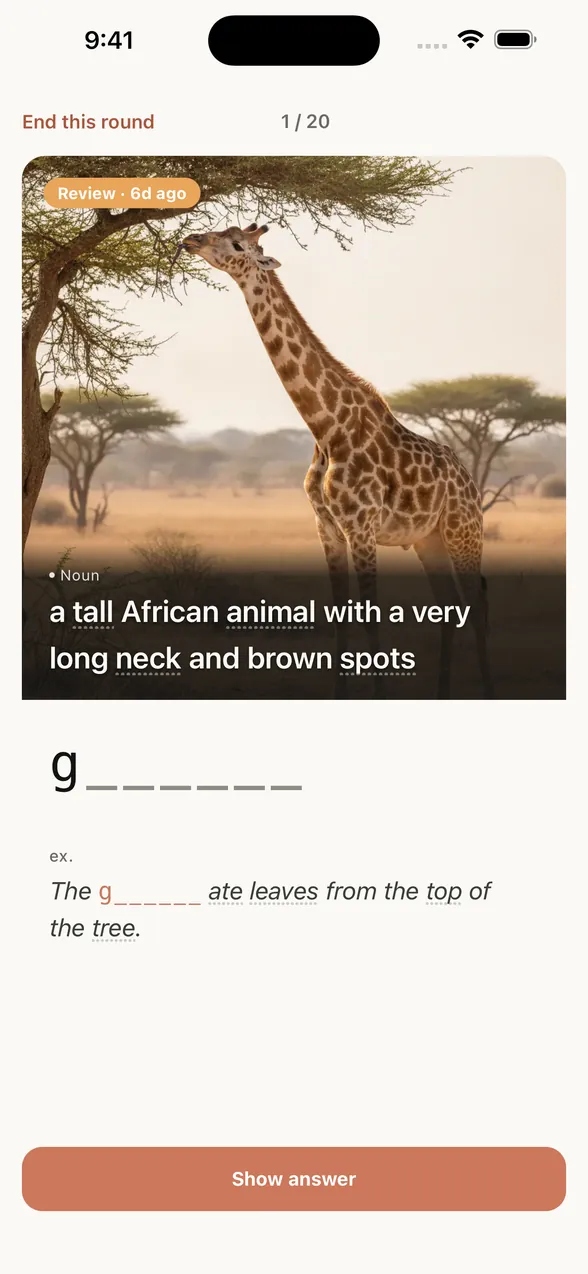
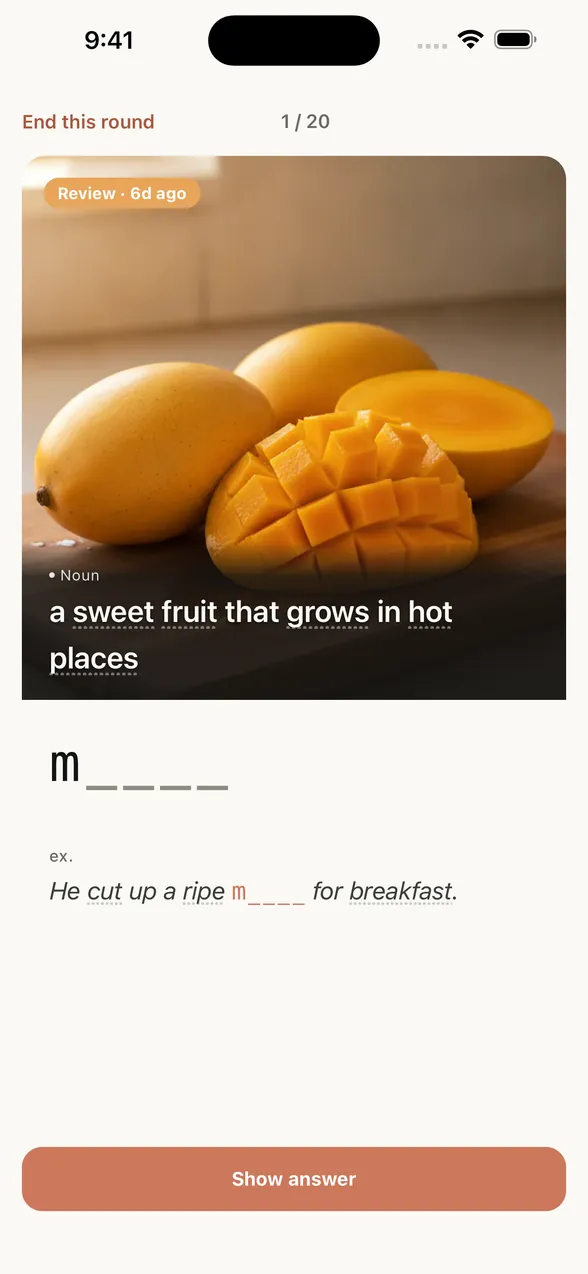
App review screen before the answer: the picture with its English definition, and a letter hint that shows only the first letter.
App screen: recalling a word from its image and definition, letter hint shown
Get it on the App Store
  • 8,000 words
  • 40 levels
  • Free to try
  • No account
  • No in-app ads

STAY IN ENGLISH

Unknown word?
Just tap it.

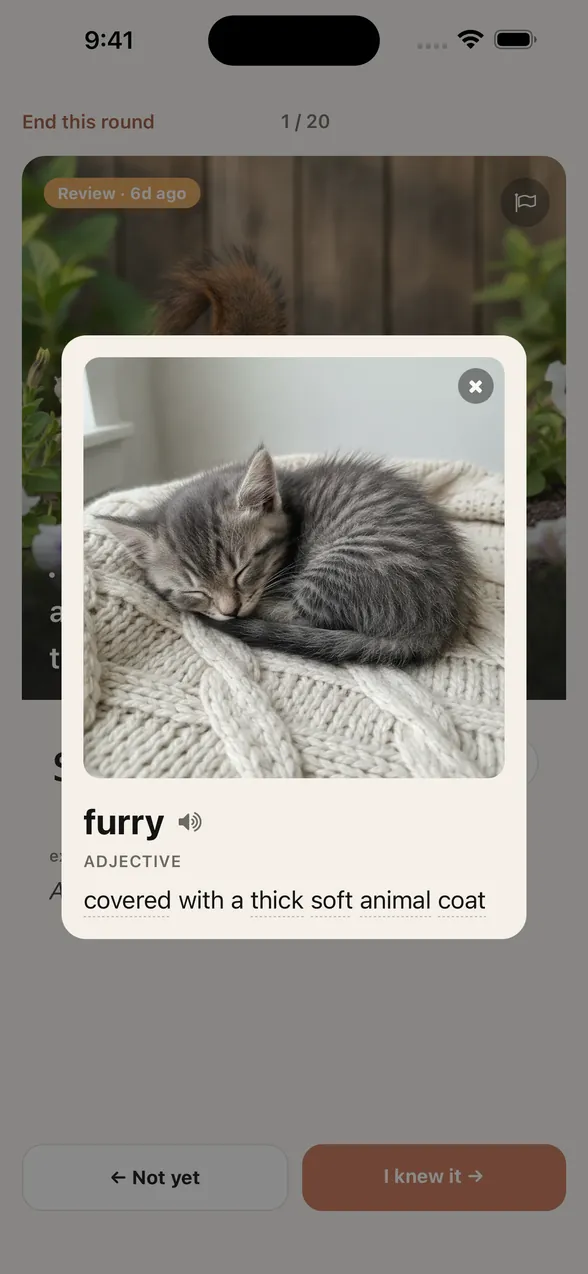
Tap a dotted word to see its image and meaning, right on the card.
A squirrel learning card. In its definition, furry and other words have dotted underlines you can tap. After tapping furry, a card opens over the squirrel card with a sleeping kitten image, the part of speech, and the English definition.

HOW IT WORKS

Recall first.
Then check.

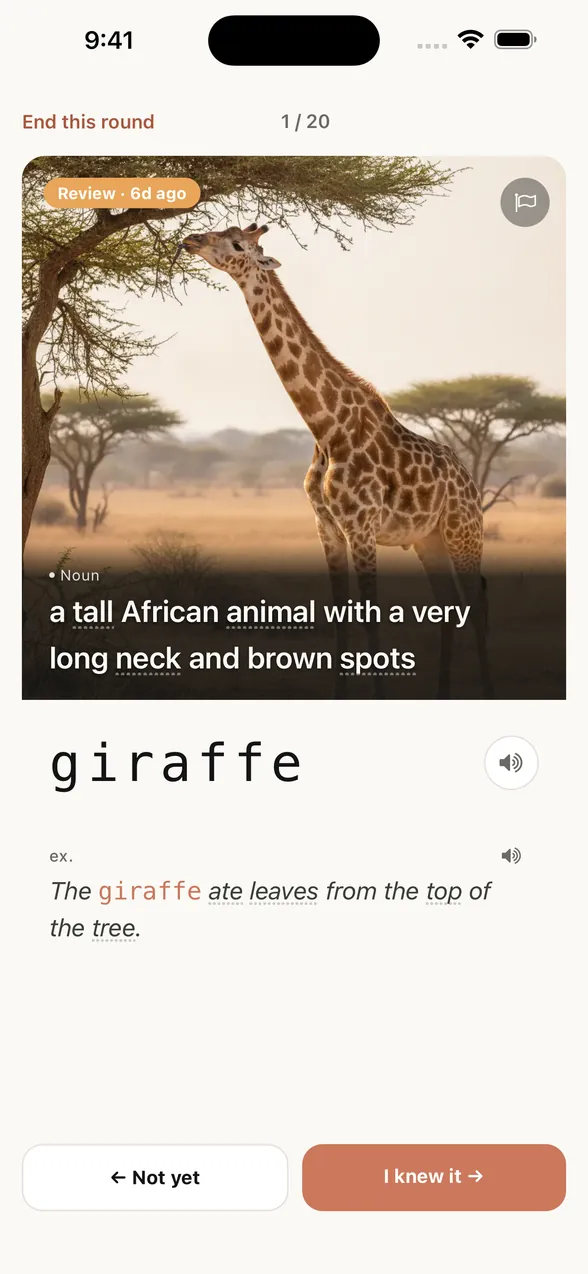
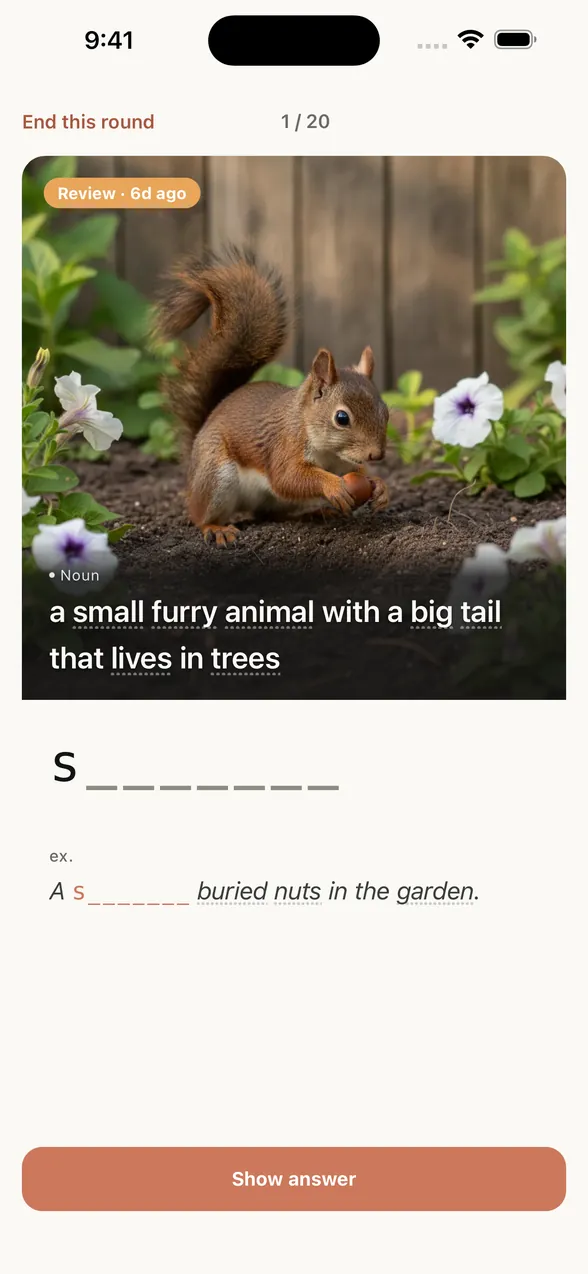
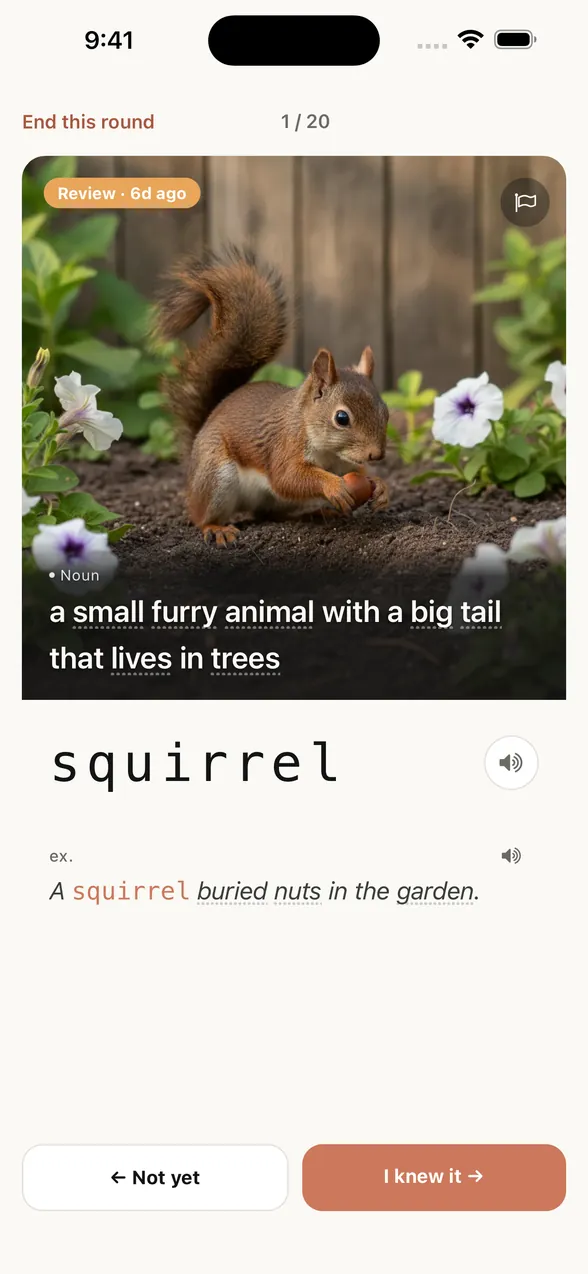
Recall the word from the image and letter hints, then check it with “Show answer.”

App review screen before the answer: a squirrel picture with its English definition, and the letter hint s followed by seven blanks. The same screen after “Show answer”: the word is squirrel, with an example sentence.
A new word

sq_irr__

After you learn itSame as the screen

s_______

As your memory strengthens

_q______

REVIEW

Review before
you forget.

Pictan brings each word back as it starts to fade, so you don’t have to plan reviews.

Example timing

  • Picture for the word lighthouselighthouseReview now
  • Picture for the word umbrellaumbrellaIn 1 week
  • Picture for the word squirrelsquirrelIn 1 month
An illustration of memory fading over time and recovering with review The curve falls after learning and rises with review. This is a conceptual illustration, not measured results or a guarantee. Easier to recall Time → Memory fades over time Review to recall it Learn Fading
It adapts to your answers.

SEE YOUR PROGRESS

See how far
you’ve come.

Your Home screen shows your level, how well words are sticking, and your last four weeks.
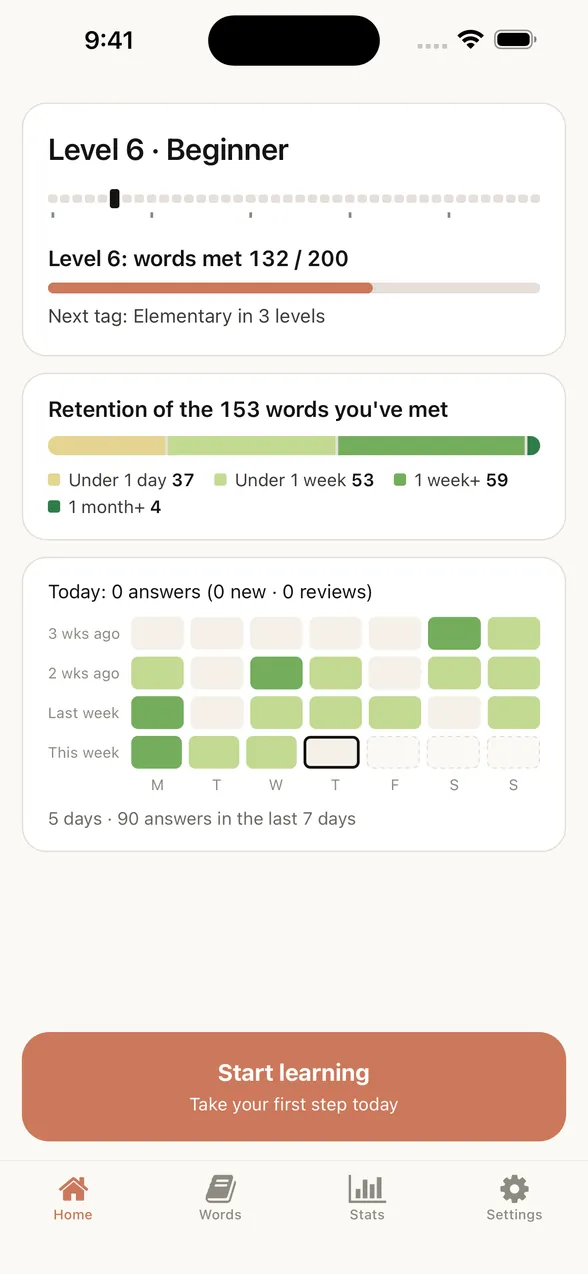
The app’s Home screen: Level 6 with 132 of 200 words met, how well the 153 met words are sticking, and a four-week learning record.

No account.
No in-app ads.

Your progress is saved on your iPhone and can be backed up to your private iCloud.

Things people ask first.

Choose English, Japanese, Simplified Chinese, Traditional Chinese, Korean, Spanish, or Portuguese. Each card shows a short meaning in your chosen language, with the English definition underneath. If you choose English, you’ll see just the English definition.

You can change the meaning language in Settings at any time. Example sentences stay in English, with a translation shown after you reveal the answer.


Pictan isn't built around test scores. It focuses on everyday words that give you a solid base.
Every feature is free for a limited number of words. There’s no trial period, and you’re never upgraded automatically. Premium is a monthly subscription for all 8,000 words; check the App Store for pricing.
Yes, once the app is open. Launching the app, purchases, restores, and iCloud sync need a connection.
Pictan is designed for adults. We don't recommend it for younger learners.
All 8,000 words have images, and you can tap words in definitions without leaving the card. Review timing and hints adapt to your answers.
The images, definitions, examples, and their translations are made with AI, and occasional errors are possible. Where accuracy matters, check a trusted source.

Make today’s word
one you can recall.

Free to try. No account needed.

Get it on the App Store